
How to Change Color in Big Walk
Change your Big Walk character color at the starting paint station. Find the brush, paint all three body sections and learn why a friend must help.
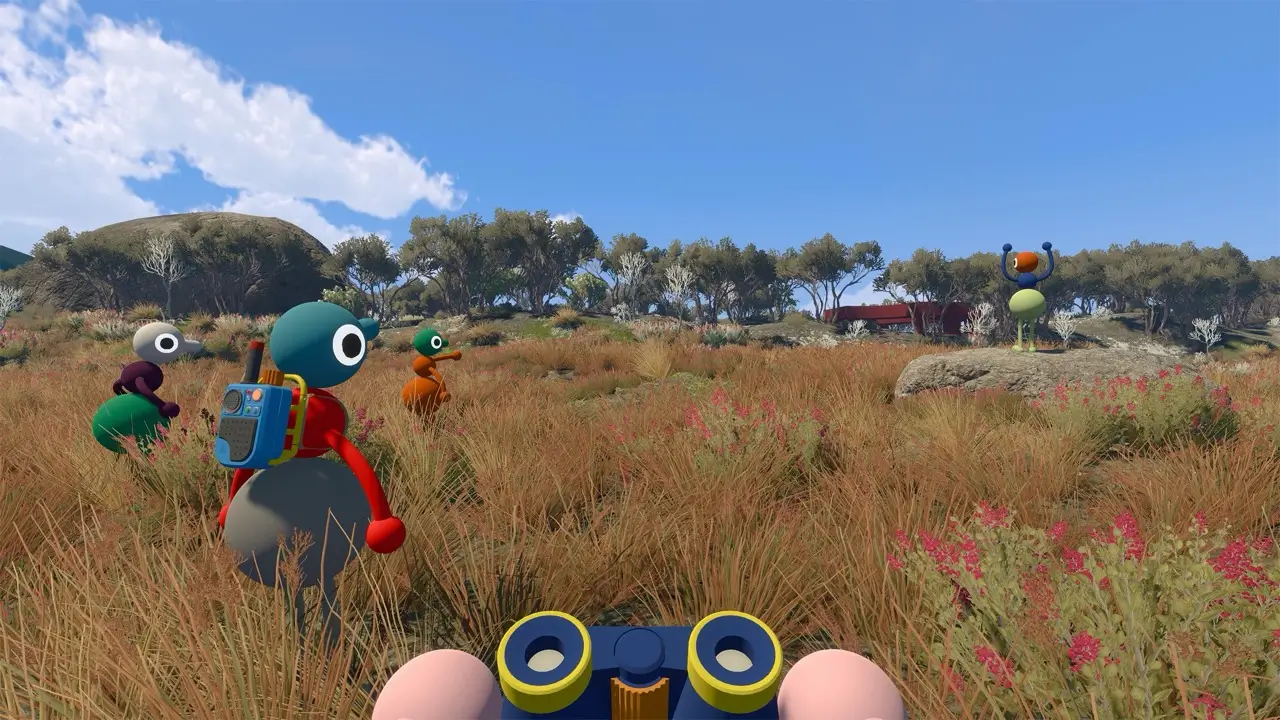
Quick answer
Leave the opening room and find the paint station in the middle of the first large grassy area. A friend must pick up the brush, touch a coloured square to load that paint, then brush one of your three body sections. Repeat for the head, middle and lower section. You cannot paint yourself, but your group can return and repaint any section whenever it wants.
- Location
- First grassy area
- Painter
- Another player
- Body sections
- 3
- Repainting
- Any time
Where to change your color
Complete the opening room and walk into the first wide grassy area. Near the centre is a small paint station with coloured wall squares and a loose paintbrush. You do not need to finish a tower or buy an upgrade before using it.
If the group has already spread out, bring at least one person back with you. The wall supplies the colour, but only another character can apply it to your body.
Change color with the paintbrush
Have another player pick up the brush and touch the bristles to the coloured square you want. They then use the loaded brush on one section of your character. Touching a different square loads a different colour.
- Pick up the brush at the starting paint station.
- Touch the brush to a coloured wall square.
- Brush another player’s head, middle or lower body section.
- Reload the brush and repeat for the other sections.
Each of the three body sections is separate
Painting one area does not recolour the whole character. The head, middle section and lower section can each hold a different colour, so a teammate must apply up to three strokes for a complete makeover.
A solid colour uses the same wall square before every section. For a mixed look, reload the brush from a different square between strokes.
Why you cannot paint yourself
The brush cannot be aimed back at the character carrying it. Colour changing is a cooperative action, like removing an item from somebody’s backpack: one player holds the tool and the other receives the change.
There is no menu workaround. If the paint appears not to work, first confirm that the brush touched a colour square and that it is being used on another player rather than its holder.
You can repaint later
The starting station is not a one-time character creator. Return with a teammate, load another colour and paint directly over the section you want to replace. There is no reported cost or permanent lock.
Metallic bronze, silver and gold paint belongs to a separate late-game route. If that is what you mean by shiny, use the Big Makeover guide rather than searching the starting palette.
Frequently asked
How do you change your color in Big Walk?
At the paint station in the first grassy area, another player loads the brush from a coloured wall square and paints each of your three body sections.
Where is the paintbrush in Big Walk?
It is at the paint station near the centre of the first large outdoor area after the opening room.
Can you paint yourself in Big Walk?
No. Another player must hold the brush and apply the colour to you.
Can each body section be a different color?
Yes. The head, middle and lower section are painted independently.
Is changing color the same as getting shiny?
No. Ordinary colours are available near the start. Metallic paint and Big Makeover belong to a separate late-game studio route.
Sources and verification
Official pages are the primary reference. Player reports are labelled as community samples and never presented as official facts.